
WE ARE AVAILABLE FOR NEW PROJECTS


Beyond FPS: How Pixel Bowl Tests Game Performance on Real Hardware



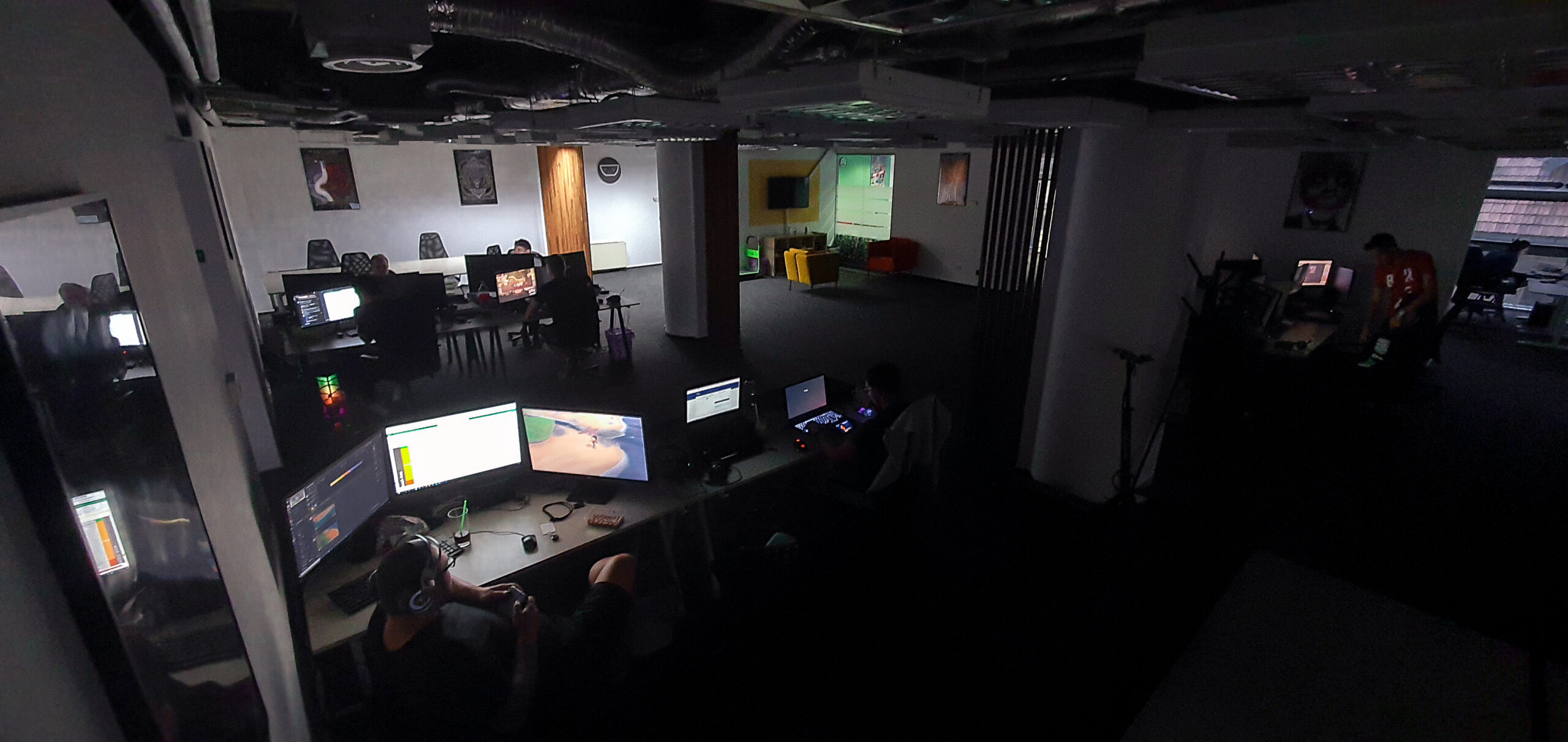
Players do not experience an average.
Dropped frames, inconsistent frame delivery, loading spikes and memory pressure define the real player experience. Our approach connects real hardware, repeatable testing, structured telemetry and AI-enhanced analysis to help teams act on what matters.
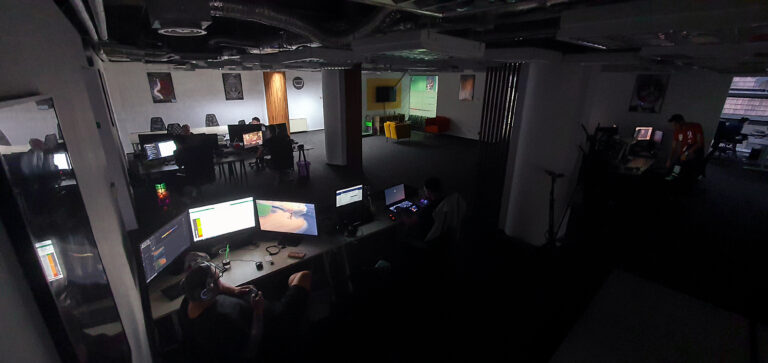
Players Use Real Hardware. So Do We.
PC is not a single platform. Two players running the same game at the same resolution can have significantly different experiences because of differences across:
- CPU architecture and generation
- GPU vendor and generation
- RAM capacity and configuration
- VRAM capacity
- storage
- graphics drivers
- Windows configuration
- display resolution
- refresh rate
- peripherals
- graphics settings
This variability is exactly why real hardware remains critical to meaningful PC performance testing. Virtualized environments and automated benchmarks can provide useful information, but they cannot reproduce every hardware-specific behaviour a player may encounter. The Pixel Bowl Hardware Lab is designed to allow our teams to test titles across representative physical configurations and investigate issues under controlled conditions.
Building the Right Hardware Matrix
More machines do not automatically produce better testing. The important question is whether the hardware matrix represents the players and technical risks relevant to the project. Rather than applying the same matrix to every game, we can structure coverage around several performance tiers:
Minimum Specification
Validating the lowest supported configuration and identifying areas where the player experience may fall below the intended target.
Entry-Level
Older or lower-performance systems that may still represent a meaningful portion of the audience.
Mainstream
Representative configurations used by a broad segment of current PC players.
Recommended
Systems aligned with the experience the development team wants to represent through its recommended specifications.
High-End
Higher-performance configurations used to validate scalability, high settings, high resolutions and advanced rendering features. A project-specific matrix may combine different CPU, GPU, memory and display configurations depending on the target audience and the technical requirements of the title. The goal is not to test every possible PC. The goal is to test the right PCs.
What We Measure
Average FPS remains useful, but it is only one part of the picture. A performance run can include metrics such as:
Average FPS
Useful for understanding overall throughput during a controlled scenario.
1% and 0.1% Low FPS
These metrics help expose performance drops that may be hidden by a healthy average frame rate.
Frame Time
Consistent frame delivery can matter as much as average FPS. Frame-time analysis helps expose:
- spikes
- micro-stutter
- inconsistent frame pacing
- recurring performance events
CPU Utilisation
CPU behaviour can reveal bottlenecks that only appear on certain processors or in specific gameplay scenarios. Where relevant, analysis can extend beyond total CPU utilisation to thread or core behaviour.
GPU Utilisation
GPU load provides additional context when investigating performance limitations, graphics settings or rendering-heavy scenarios.
RAM and VRAM
Memory pressure can create problems that are difficult to detect through FPS alone. Tracking RAM and VRAM across configurations can help identify:
- increasing memory consumption
- insufficient VRAM
- configuration-specific pressure
- possible long-session degradation
Loading Behaviour
Storage, CPU and asset behaviour can significantly affect loading times and transitions.
Stability
Crashes, hangs and other failures occurring during performance testing remain part of the overall picture.
Repeatable Performance Runs
Useful performance data requires repeatability. A comparison between two builds is only valuable if the conditions under which they were measured are sufficiently controlled. Our methodology can define:
- build
- hardware configuration
- graphics settings
- resolution
- scenario
- test duration
- starting conditions
- capture methodology
This creates a baseline for meaningful build-to-build comparison.
| Metric | Build A | Build B |
|---|---|---|
| Average FPS | 78 | 75 |
| 1% low FPS | 61 | 51 |
| VRAM usage | 6.9 GB | 8.2 GB |
An average FPS decline of a few frames might initially appear minor. But the combination of a significant reduction in 1% lows and increased VRAM utilisation may point to a much more meaningful regression. That is why performance analysis should look beyond one metric.
From Thousands of Data Points to One Clear View
A modern performance programme can generate substantial information. Consider 20 hardware configurations, multiple graphics presets, several scenarios and successive builds — each with FPS, frame time, CPU, GPU, RAM, VRAM and loading data. That can quickly become thousands or millions of data points. AI can help teams navigate that complexity.
AI-Enhanced Performance Analysis
Pixel Bowl uses AI as an analytical layer around real performance data. The AI does not replace the test run. It does not invent measurements. And it does not replace the performance analyst. Instead, it can help identify patterns within the data already collected. For example:
Illustrative AI-assisted summary — based on example testing data and subject to analyst validation.
Build 1.4.82 shows a disproportionate decline in 1% low FPS across several 8 GB VRAM configurations at 1440p High. VRAM utilisation increased across the same group of systems while high-memory configurations remain largely unaffected.
That summary becomes much more useful than presenting a stakeholder with hundreds of rows of telemetry. AI-assisted analysis can help with:
- build-to-build comparison
- anomaly detection
- hardware-specific patterns
- recurring regressions
- trend analysis
- summarisation
- prioritisation
- report generation
The result is not simply more data. It is faster access to the data that matters.
Human Validation Still Matters
Performance testing requires context. A regression may be technically measurable but irrelevant to the intended player experience. Another issue may appear small numerically while creating a very noticeable gameplay problem. That judgement still belongs to experienced people. Our approach is therefore:
Real Hardware → Structured Testing → Telemetry → AI-Enhanced Analysis → Human Validation
AI helps our analysts work through complex datasets more efficiently. The analyst remains responsible for interpreting what those results mean for the game.
Build-to-Build Performance Intelligence
Performance should not be something teams discover at the end of development. By testing repeatedly throughout production, teams can create a history of how performance evolves. This makes it possible to ask:
- When did the regression appear?
- Which build introduced it?
- Which configurations are affected?
- Is it limited to a specific GPU tier?
- Does it appear at one resolution or across all of them?
- Did memory utilisation change at the same time?
- Was the issue resolved by the latest build?
These questions become much easier to answer when individual performance runs are connected to a structured build history.
Performance Reporting for the Whole Team
A useful performance report connects the results with their testing context. Teams should be able to review:
- recent performance runs
- hardware configurations
- build comparisons
- regression trends
- key metrics
- analyst findings
- AI-enhanced summaries
- historical results
A Producer may need a high-level answer:
Is this build performing better than the previous one?
An engineer may need the underlying telemetry. A QA Director may need to understand which hardware tiers are currently at risk. Reporting should give each of them the appropriate level of detail.
Real Hardware Behind Every Result
Performance testing starts with reliable data: real hardware, repeatable testing and experienced performance analysts. AI then helps turn the results into faster, clearer reporting. The objective is to understand how the game actually performs for the players who will run it.
Understand How Your Game Performs.
Discuss real-hardware testing, build comparisons and performance analysis with our team.
Explore Performance Testing →LET’S TALK ABOUT YOUR GAME




 GAME QA & DEVELOPMENT
FROM BUILD TO LIVE
GAME QA & DEVELOPMENT
FROM BUILD TO LIVE